
Documentation Index

Fetch the complete documentation index at: https://docs.membit.ai/llms.txt

Use this file to discover all available pages before exploring further.

Getting started with the Membit API is simple. Follow these steps to get your API key and make your first request.
1

Sign in to Membit

First, head over to membit.ai and sign in using your GitHub or Google account.
2

Get your API key
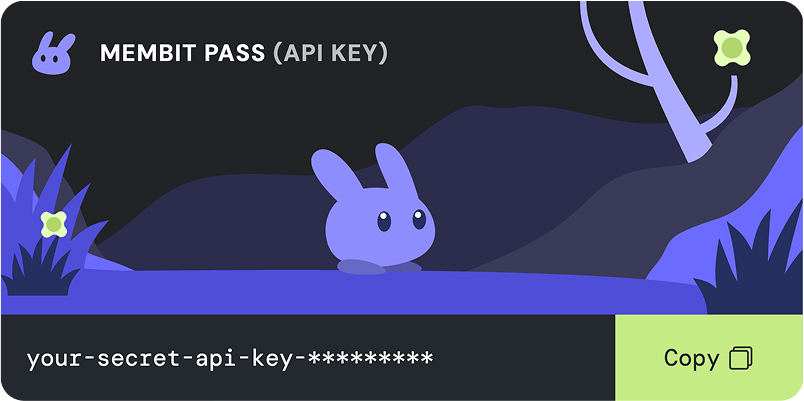
Membit API key generation interfaceOnce you’re signed in, you’ll be able to generate a free API key from your account dashboard. This key will give you access to the Membit API.
3

Authenticate your requests

To authenticate your requests, you’ll need to include your API key in the Authorization header of your requests, prefixed with Bearer .
Keep your API key secure and do not share it publicly.